


 1300 13 22 77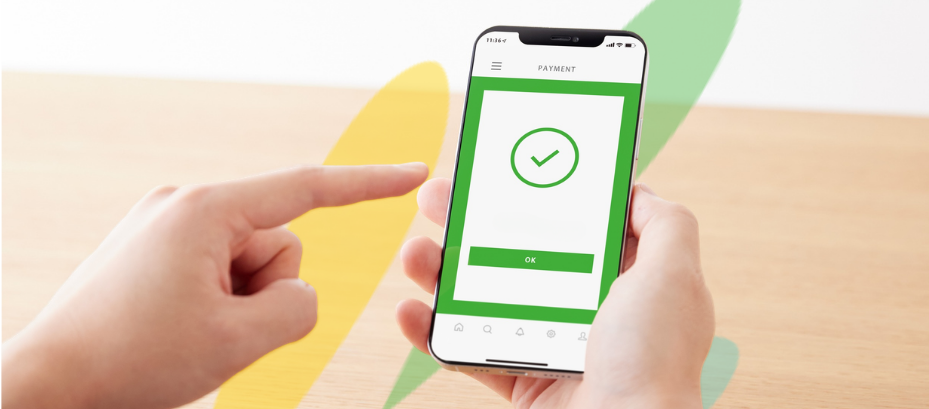

Mobile bank app changes?
Enhanced Security and Smarter Banking in Our Updated Mobile App.
We’re excited to share news about the latest release of our enhanced Community First Mobile Banking app – delivering stronger security, smarter tools and a more personalised experience for our members.

Stronger Security Upgrades
This app update will allow for the addition of Confirmation of Payee – the industry wide service that helps reduce scams and mistaken payments. See the separate article for more details.
Improved User Interface
The app navigation and layout has been enhanced to allow for faster access to key features and easier navigating.
Enhanced Customisation
You’ll now be able to customise your home screen and rename your accounts such as “my savings” or “my everyday funds”. You can even add a profile picture too! To help you keep on track of your spending, you can now set up and track saving goals – all from your home page.
Simplifying display of accounts
We’re simplifying how we display your accounts. We are phasing out product codes (like L15 or S7) and will now reference your actual account number across all services.

How to update your app?
If you have selected automated app updates on your phone, the app will update automatically when released. Otherwise, go into Settings on your phone and manually complete the update.